

O-Solution DS-5000 Frequently Asked Questions
Question number FAQ-0789
When starting the measurement or executing the analysis, the software crashes. Is there a solution? (For versions prior to 2.0.6)
- Press start in measurement mode.
- In analysis mode, press execute for FFT analysis and other analyses.
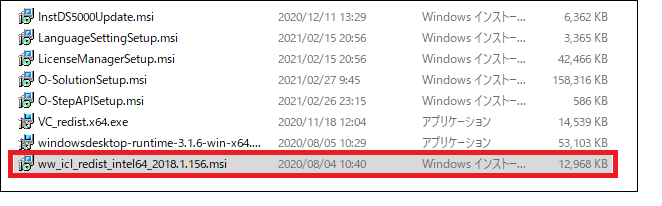
- In the installer folder > InstallationContents folder, double-click on
ww_icl_redist_intel64_2018.*.***.msi
to perform an uninstallation process once.
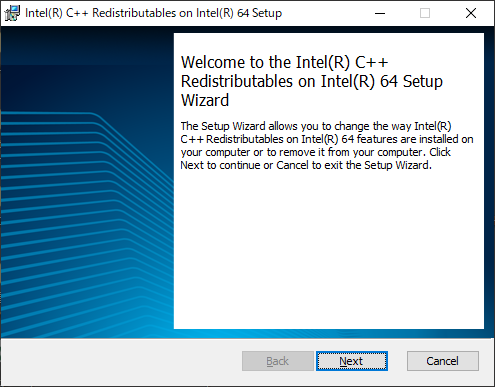
(The number represented by * may vary depending on the version.) - Click Next.
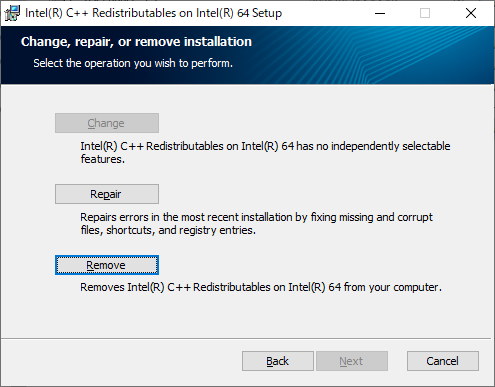
- Click Remove.
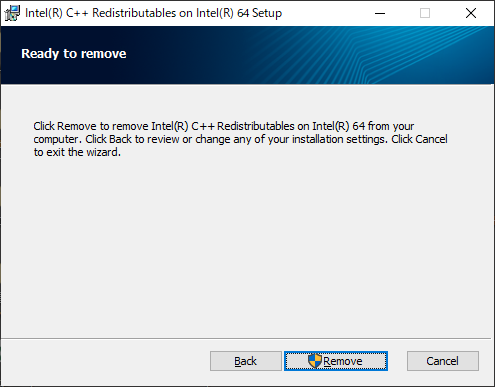
- Click on Remove again.
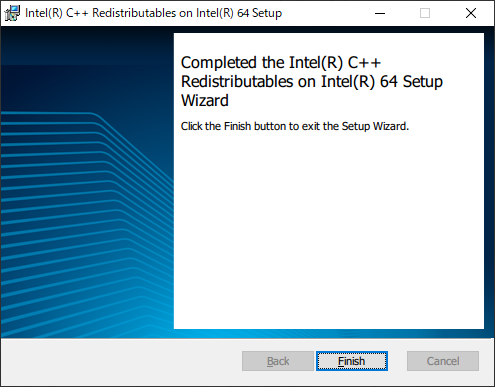
- Wait for processing, then click Finish.
- Double-click
ww_icl_redist_intel64_2018.*.***.msi
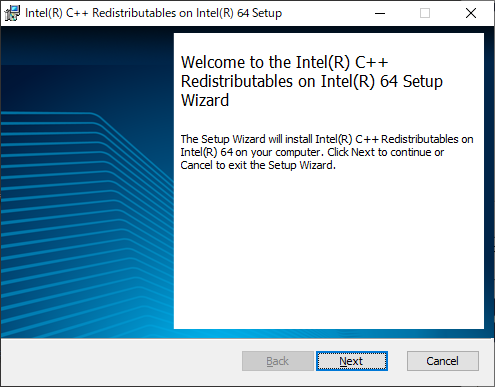
again to perform the installation process. - Click Next.
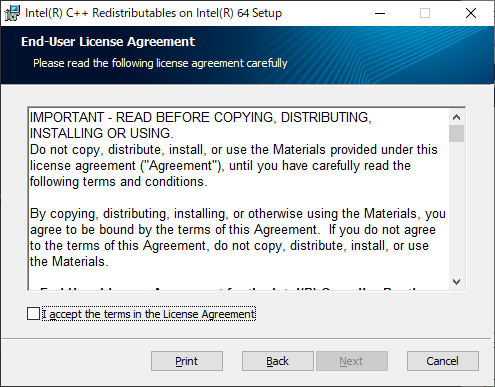
- Check the box for "I accept the terms in the License Agreement" and
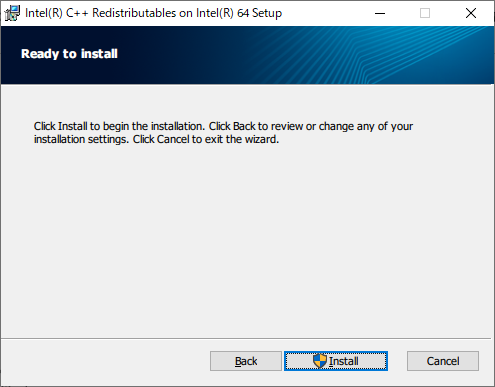
click Next. - Click on Install.
- Wait for processing, then click Finish.
At the above timing, the software may terminate. The cause could be that some parts of the software installed by the installer may not have been installed correctly. Please follow the methods below.
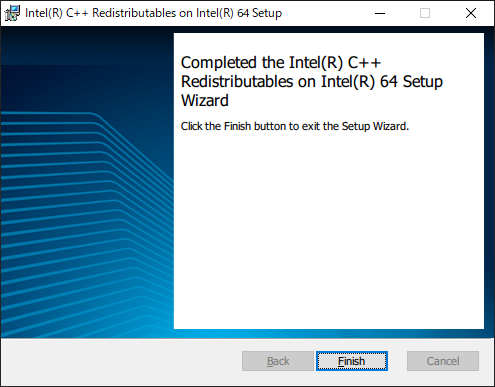
Reinstallation is now complete. Restart your PC, then:
・In measurement mode, click Start
・In analysis mode, click Run for FFT analysis or other analyses
Please perform these steps.
Last updated: April 27, 2022