

OS-2000 series Frequently Asked Questions
Question number FAQ-1040
How can I extract only the interval with data and export it in CSV file format?
You can select only the necessary parts and save them in a different format.
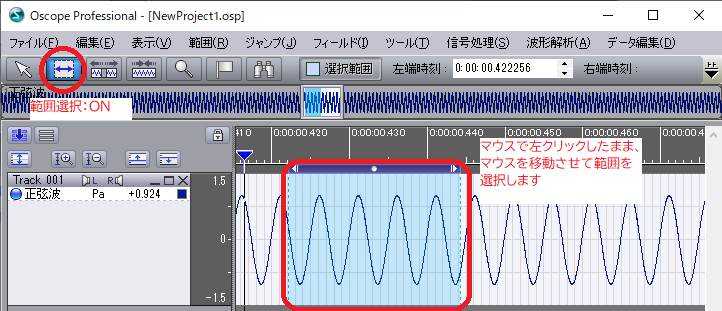
- Click the range specification button and specify the part to be saved.
- Click on the menu "File" - "Export Data File"
Select "CSV File" in the figure below.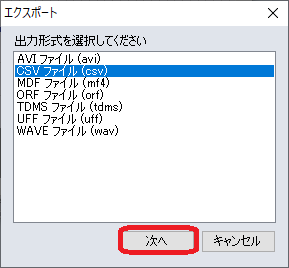
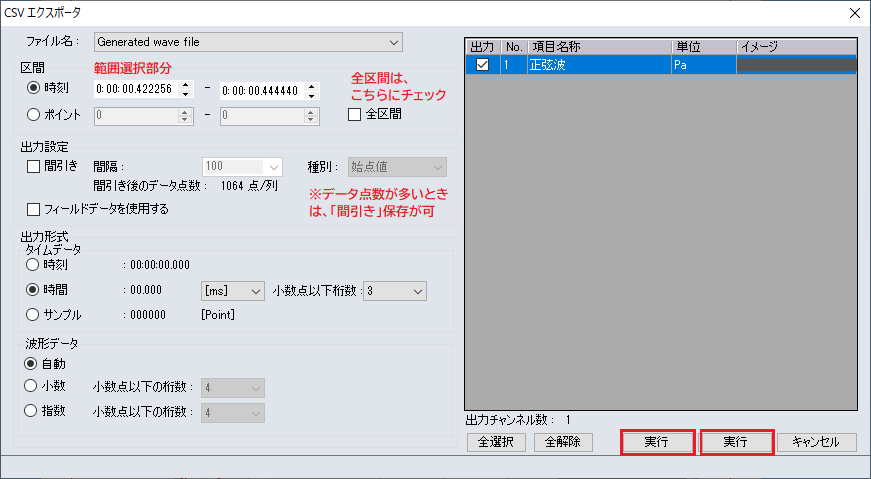
- Check the save settings, and when executed, the data will be saved to a CSV file.
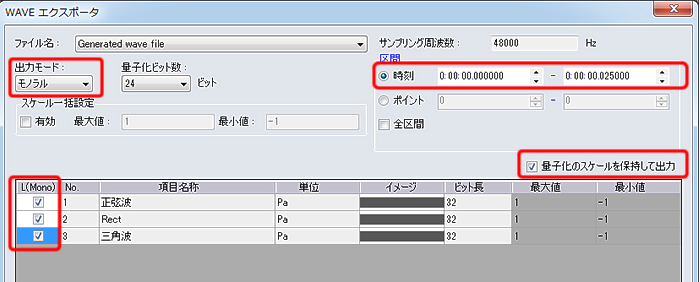
Stereo (2ch): Save the checked R and L data files
-->
Last updated date: 2026-07-15