

OS-2000 series Frequently Asked Questions
Question number FAQ-1013
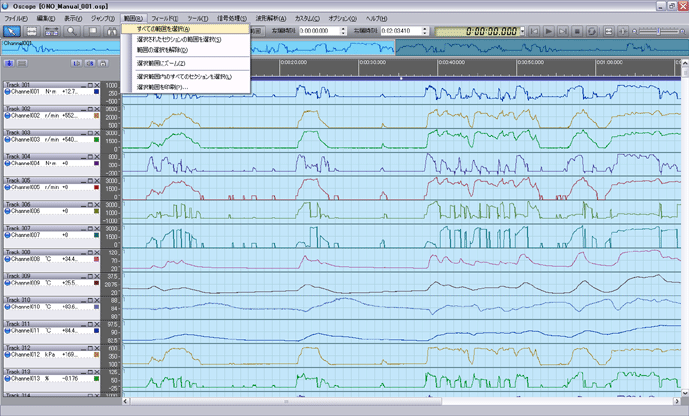
To select the entire range
 | Click the [Select All Ranges (A)] command from the Range (R) menu. |
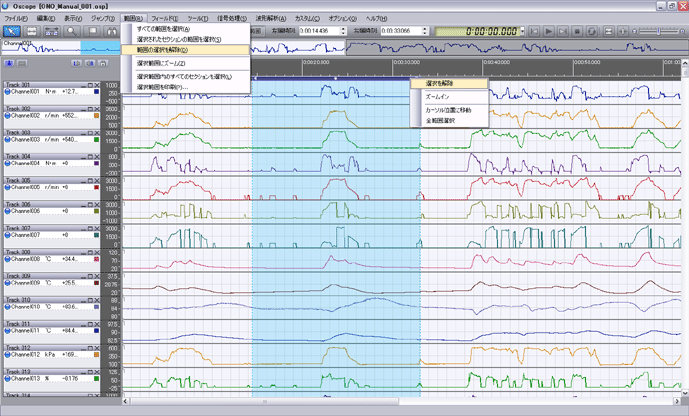
 | All ranges will be selected. The selected part will change color.
|
 | To clear the selection, click [Clear Selection (D)] from the Range (R) menu.
|
Last updated date: 2026-07-15