

OS-2000 series Frequently Asked Questions
Question number FAQ-1012
How to enlarge or reduce a waveform.
There are the following methods.
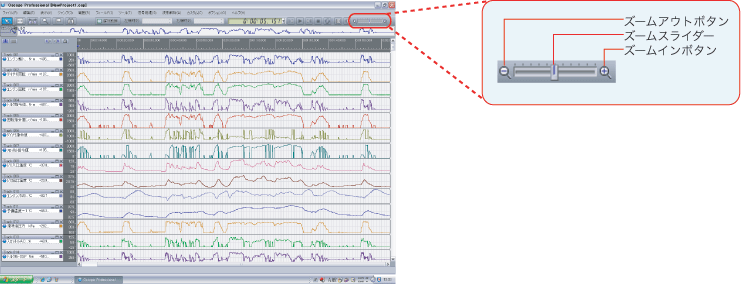
- Zoom in and out with the zoom bar.
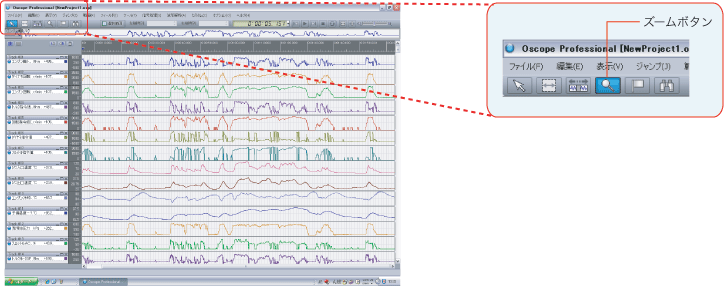
- Enlarge with the zoom button, reduce with the zoom button + Shift key.
- Zoom in and out in the navigation view.
 |
Slide the zoom slider to the right or click the zoom in button to zoom in on the waveform.
|
 |
Clicking the zoom button will enlarge the view. Additionally, pressing the zoom button + Shift key will reduce the view.
|
 |
You can zoom in and out by shrinking or stretching the left and right edges of the zoom area.
|
 |
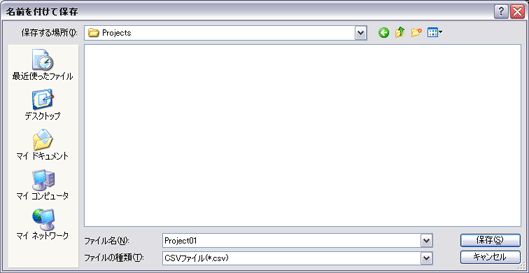
The data will be exported in CSV file format. |
Last updated date: 2026-07-15