

OS-2000 series Frequently Asked Questions
Question number FAQ-1004
To save the project
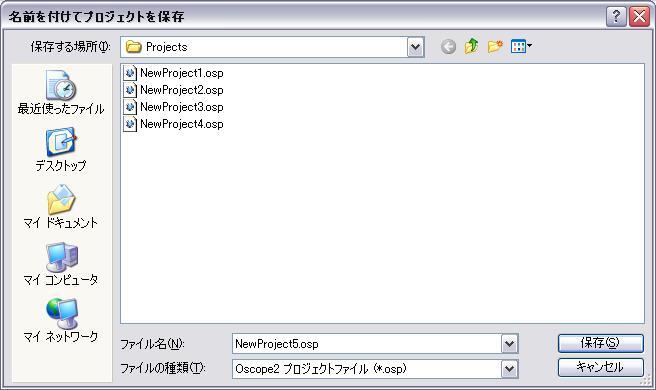
 | Save the current project as a new project file (.osp) with a new name. Click the [Save Project As (A)...] command from the File menu, and the [Save As] dialog box will appear.
|
 | Click [Save (S)]. |
Last updated date: 2026-07-15