

OS-2000 series Frequently Asked Questions
Question number FAQ-1003
To open the project.
 | Clicking the [Open Project (O)...] command from the File menu will display a dialog box to confirm saving the current project.
|
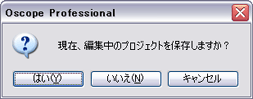
 | Select [yes (Y)] or [no (N)]. |
 | Displays the 'Open File' dialog box.
|
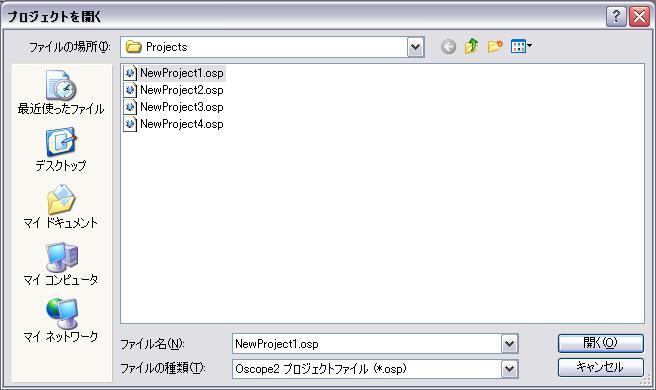
 | Select the project and click [Open (O)]. |
Last updated date: 2026-07-15