

OC-1300 series Frequently Asked Questions
Question number FAQ-0971
To change the color of the axis.
 |
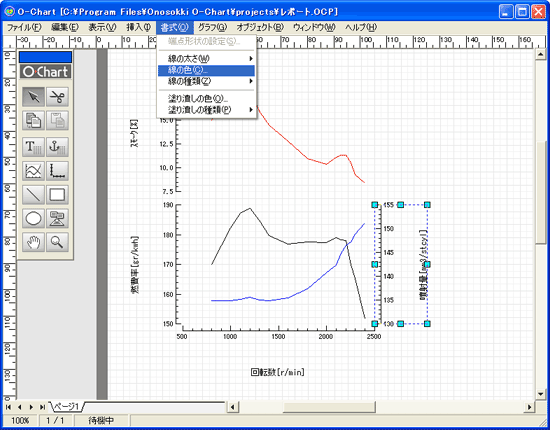
Select the axis within the graph and execute the 'Line Color' command from the 'Format' menu. |
 |
|
 |
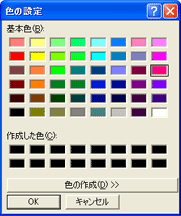
When you execute the [Line Color] command, the [Color Settings] dialog will appear. Here, you can select the color to set for the axis and click the [OK] button. |
 |
|
 |
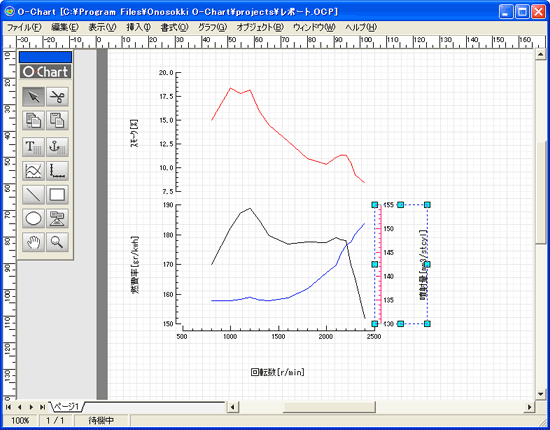
When you close the [Color Settings] dialog, the axes will be displayed in the set colors. |
 |
|
Last updated date: 2026-07-15