

OC-1300 series Frequently Asked Questions
Question number FAQ-0949
To open the properties.
 |
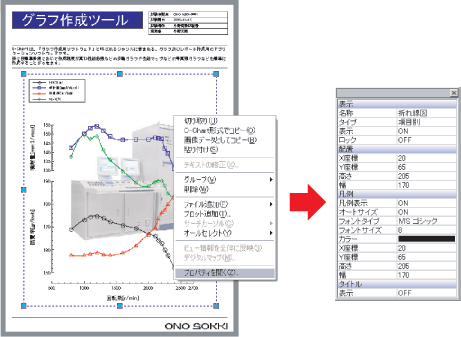
Select the graph and then right-click to display the popup menu. |
 |
|
 |
The properties for the selected area will open. |
|
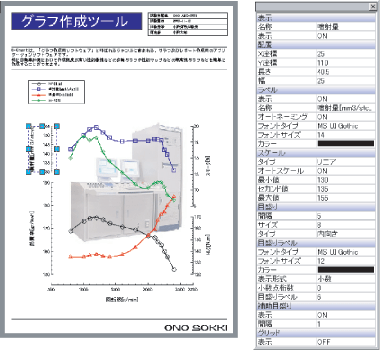
Axis Properties |
|
 |
|
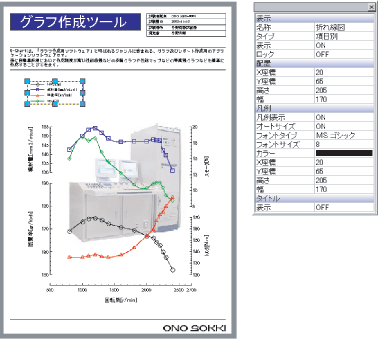
| Properties of [Legend] | |
 |
|
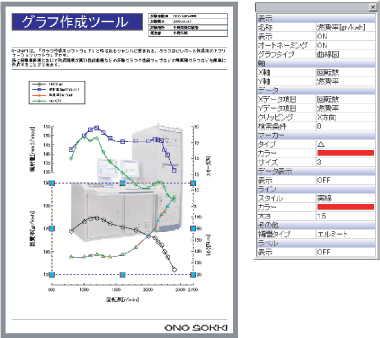
| Property of the plot | |
 |
|
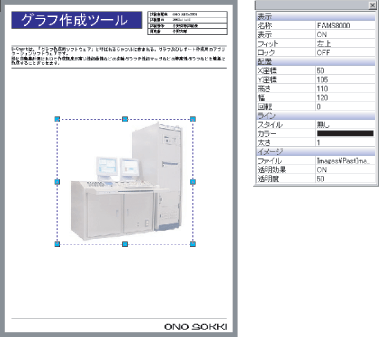
| [Image] properties | |
 |
|
Last updated date: 2026-07-15