

CF-7200 Frequently Asked Questions
Question number FAQ-0634
Can ORF data saved using the DS-2000 data station or AU-4100 recording unit be analyzed with the CF-7200?
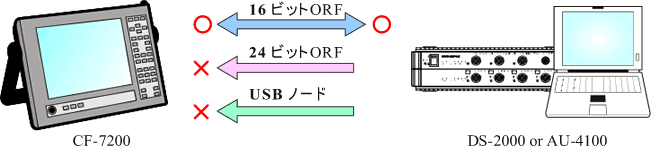
The CF-7200 can play back and analyze ORF files recorded using the DS-2000 data station and the AU-4100 recording unit.
However, only 16-bit ORF files can be played or analyzed; 24-bit ORF files cannot be played or analyzed. Also, data cannot be written directly to the CF card attached to the CF-7200 via a USB node.
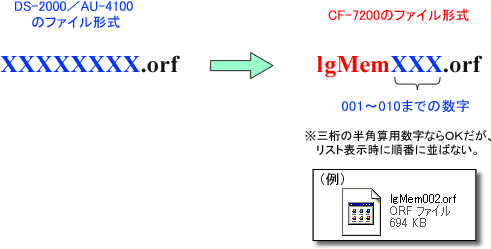
Please note that the data file name format that can be handled by the CF-7200 is fixed. You need to change the file name format of the ORF files on your PC to one that is compatible with the CF-7200.
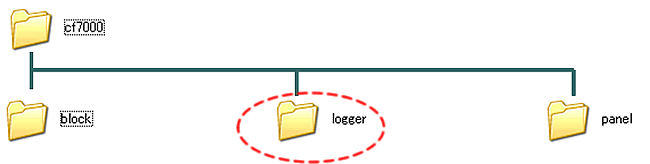
Move the renamed ORF data completed on the PC to the CF card.
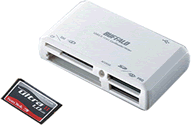
and then insert the CF card.
Last updated date: 2007-09-18