

CF-4700A/CF-4700 Frequently Asked Questions
Question number FAQ-0303
I want to use external input DI with CF-4700. What is the registration method?
HOME => Ext Control => Tap on DI. The DI registration screen will open.
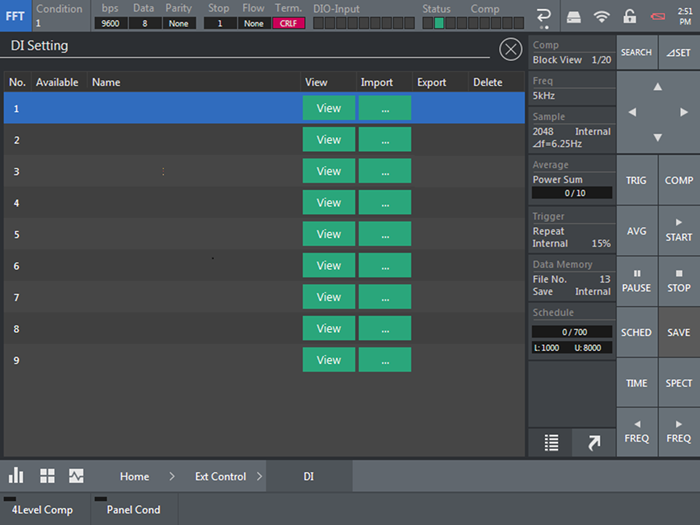
On this screen, you will register the name (label) for DI, such as Average Start.
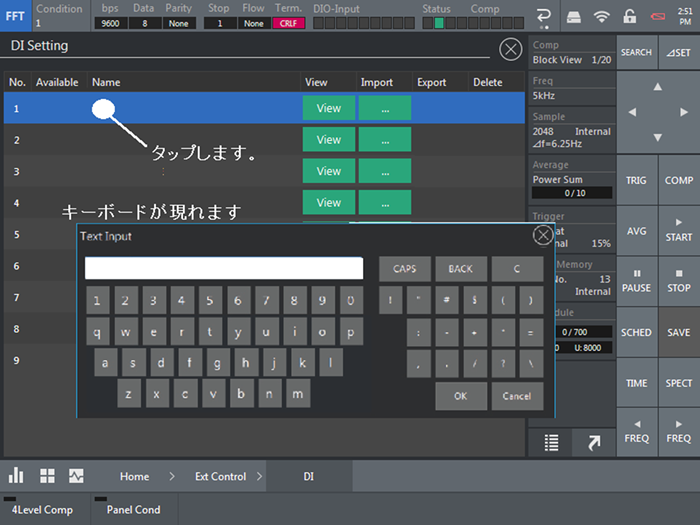
I will key in my name on the keyboard.
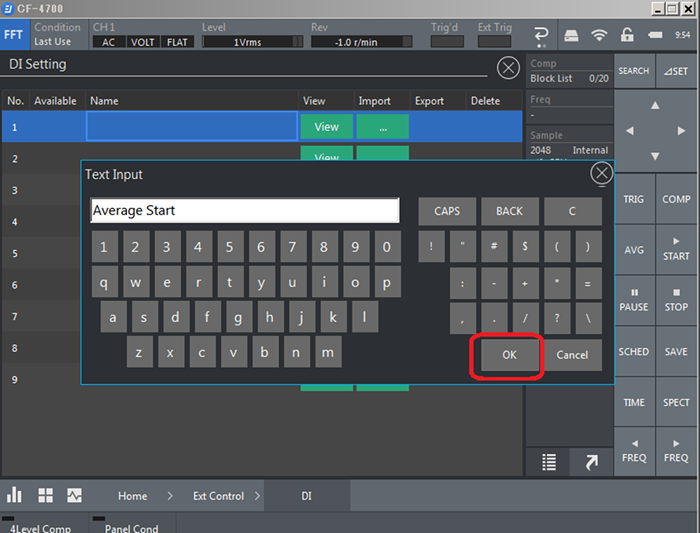
Tap OK to register your name.
Next, we will register the command.
Tap on View. The command registration screen will open.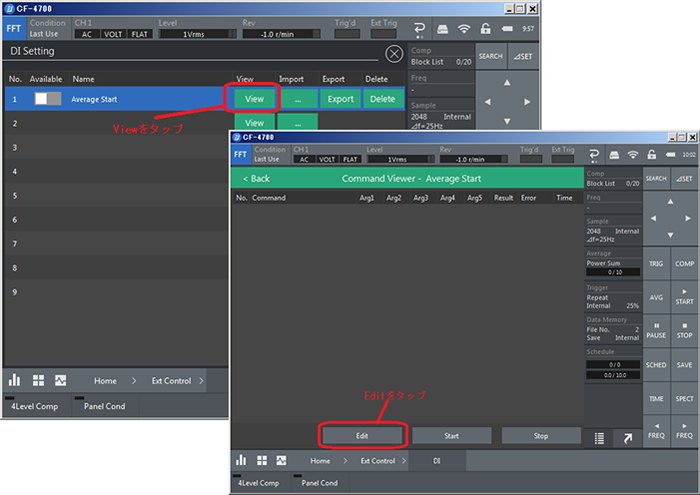
Tap Edit.
Registered the average start command 'AST' for RS-232C.
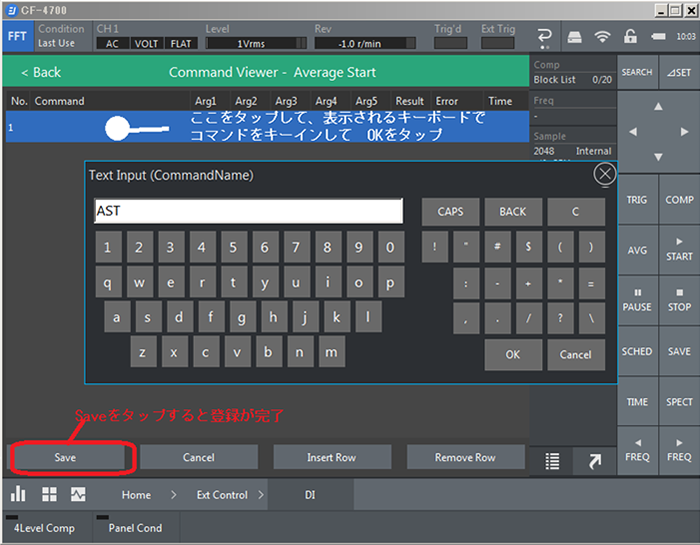 Finally, tap Save to complete.
Tap Back to return. Turn on DI reception.
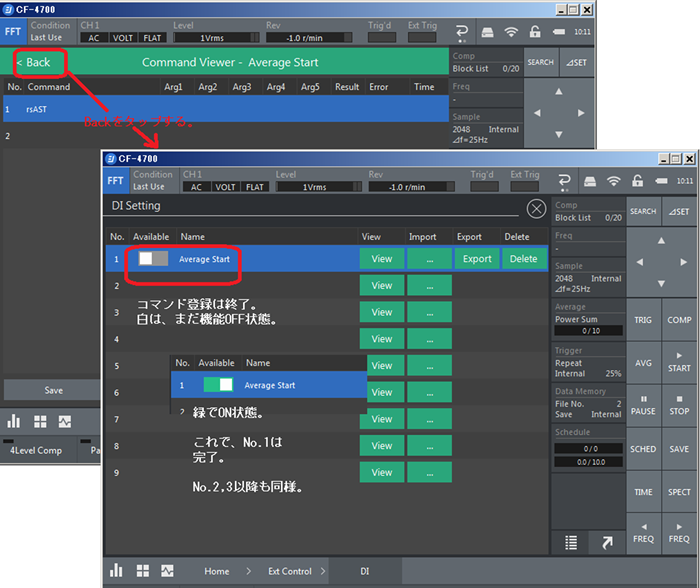
above
Last updated: 2017-10-19