

CF-4200 Frequently Asked Questions
Question number FAQ-0276
How to print displayed data from CF-4210/CF-4210A/CF-4210Z using the DPU-414 printer.
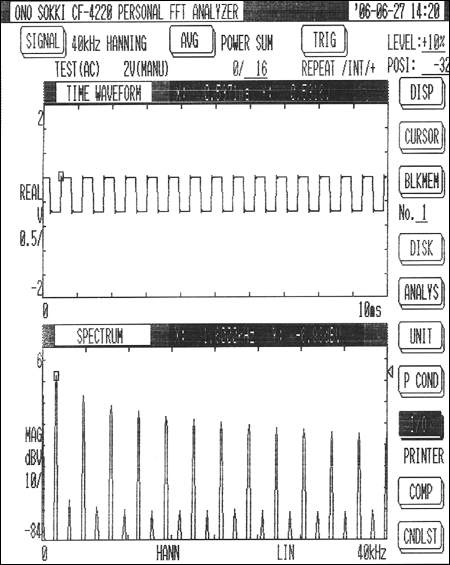
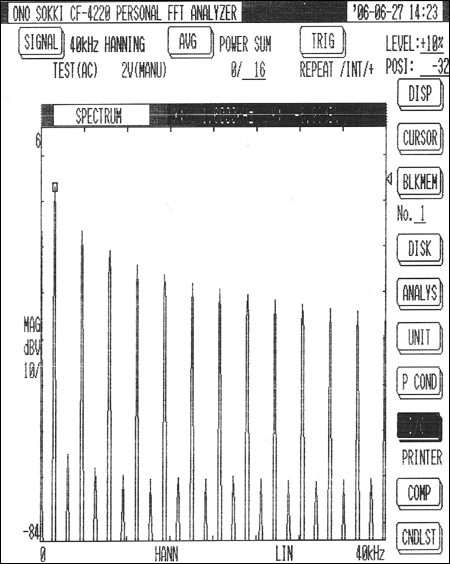
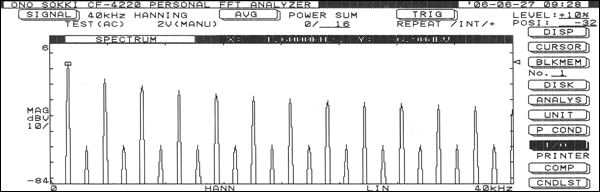
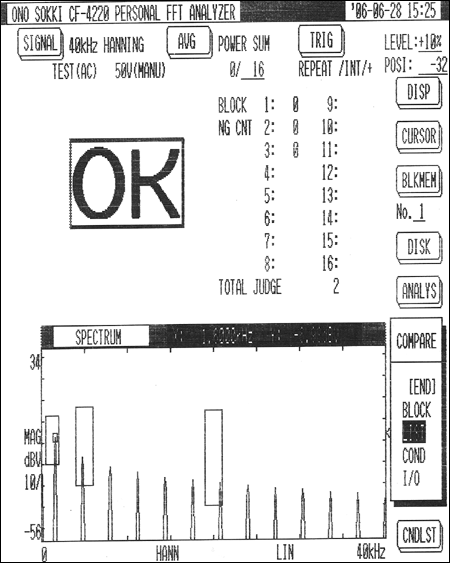
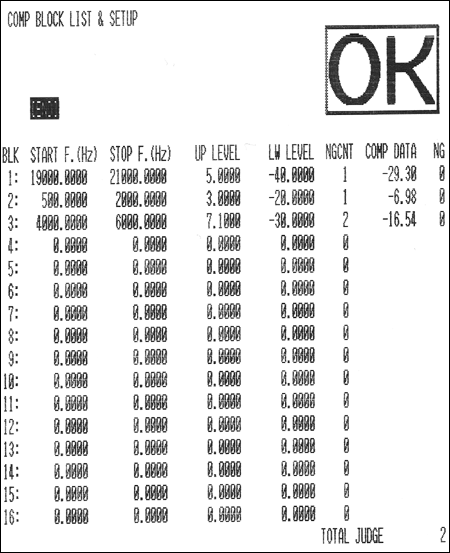
To print the image displayed on the screen, you can use the DPU-414 printer. You can also print the results screen of the comparator. The DPU-414 printer is the successor to the RQ-110 printer. In the user manual, select RQ-110 (NOMAL) in the operation section "3.12 Recording with Plotters and Printers." The printing time is approximately 2 minutes and 10 seconds. Note that the CF-0460 comparator and RS-232C card option need to be integrated.
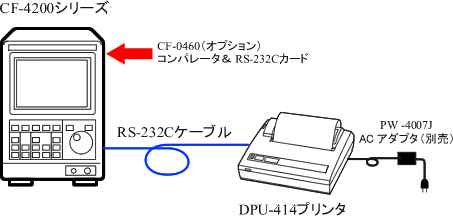
Please use the RS-232C cable in one of the following four ways.
| Example 1 Our RS-232C cable 2m <made to order> |
| ◆Example 2 The following combinations (all of which can be purchased at OA shops): ■ Arvel (Buffalo KOKUYO Supply) Straight Cable RS232C Cable ■ Arvel (Buffalo KOKUYO Supply) Conversion Adapter http://buffalo.jp/products/catalog/supply/cable/change/polarity/aa860/ |
| Example 3 The following combinations (all of which can be purchased at OA shops): ■Sanwa RS232C Cable KRS-101K (1.5m) ■Sanwa manufactured conversion adapter cable KRS-9M25F02K (0.2m) http://www.sanwa.co.jp/product/syohin.asp?code=KRS-9M25F02K cate=1 |
(Convert the printed document into an image using a scanner)
Last updated: August 21, 2006