

O-Chart Frequently Asked Questions
Question number FAQ-0964
To change data items
 |
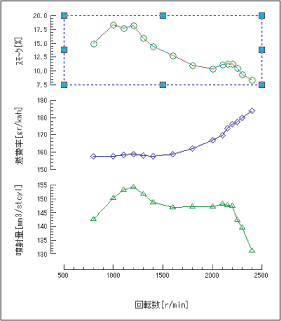
Select the data you want to change. |
 |
|
 |
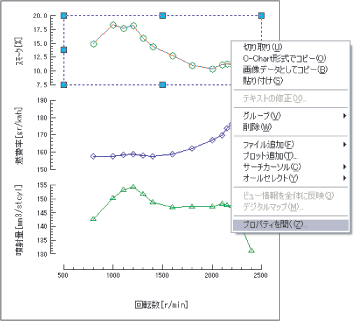
Select "Open Properties" from the pop-up menu. |
 |
|
 |
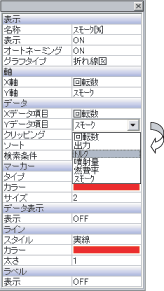
In the properties, change the [Y item] from [Smoke] to [Torque]. |
 |
|
 |
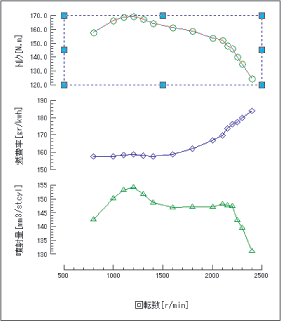
The Y-axis item [Smoke] will change to [Torque], and the graph will be modified. |
 |
|
 |
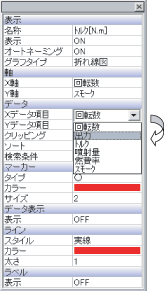
If you change the X data item from [Rotation Speed] to [Output]... |
 |
|
 |
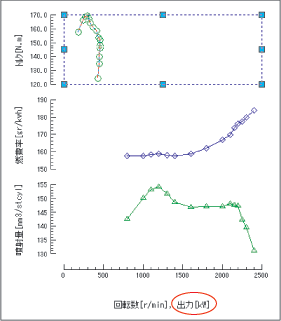
The X-axis will be changed from [Rotation Speed] to [Output]. |
 |
|
Last updated: 2026-07-15