

O-Solution DS-5000 Frequently Asked Questions
Question number FAQ-0786
Please tell me how to use the viewer function.
The viewer function (O-Solution Lite) can be used simply by downloading the installer from the O-Solution website and installing it on your PC.
Please follow the instructions below to download and install the software.
- Visit the O-Solution homepage
Sound and Vibration Analysis System O-Solution DS-5000 - Click [Download]
- The [Download] page will open, so click [User Registration].
- Please register as a user and log in.
- Once logged in, you can download the latest O-Solution program. Click "O-Solution Download" to begin the download.
- The file "O-Solution.zip" will be downloaded, so extract it.
- Run "OSolutionStartup.exe" to perform the installation.
- Once the installation is complete, launch O-Solution.
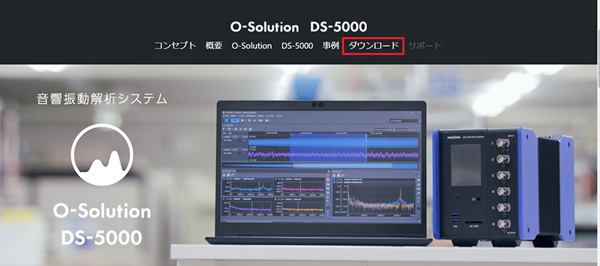
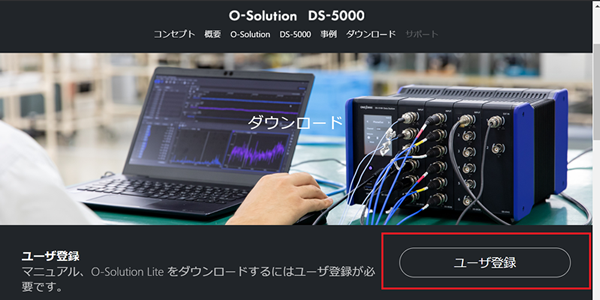
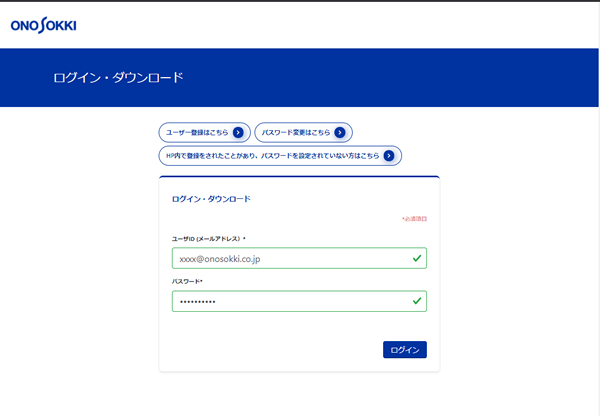
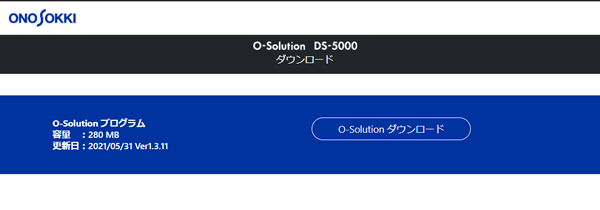
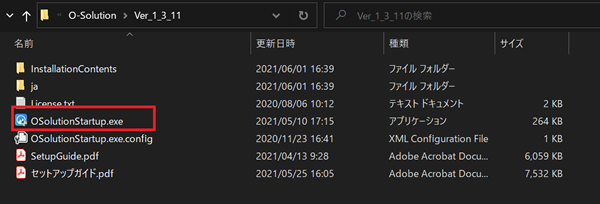
For detailed installation instructions, please refer to pages 4-6 of the "Setup Guide," which can be downloaded in step 5.
*How to use the viewer function*
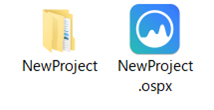
- The license holder must prepare a set of project files (.ospx) and a data folder with the same name.
- Double-click the project file (.ospx) to launch O-Solution.
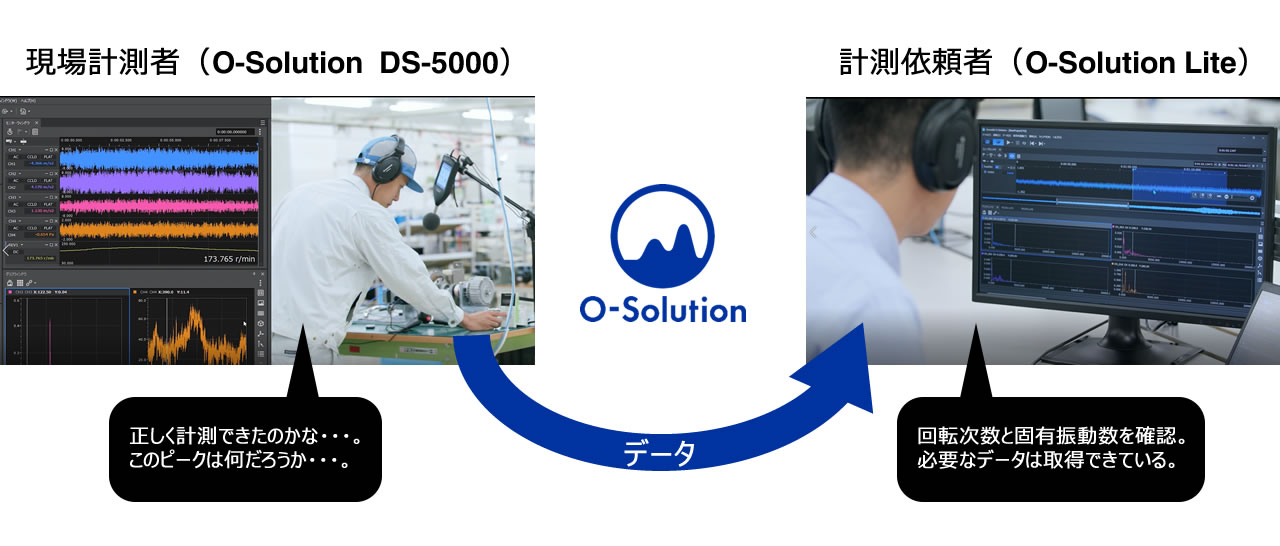
- You can view measurement data and analysis results performed by license holders.
*Note*
- About the file formats that can be imported
The viewer function (O-Solution Lite) allows you to import various binary files.
The supported data (from Ver.1.4.10 onward) is as follows.
Ono Sokki:
O-Solution files (*.orfx, *.datx)
FAMS files (*.fhd, *.lhd, *.thd)
ORF file (*.orf)
Others:
GRAPHTEC GBD file (*.gbd)
HIOKI MEMORY HiCORDER file (*.mem)
TEAC TAFFmat file (*.hdr)
YOKOGAWA WDF/WVF file (*.wdf)
Other file formats cannot be imported. - Regarding feature limitations
The viewer function (O-Solution Lite) does not support features that require a license.
For example, even if you click [Analyze] in the menu bar, the item will not be displayed as shown below.
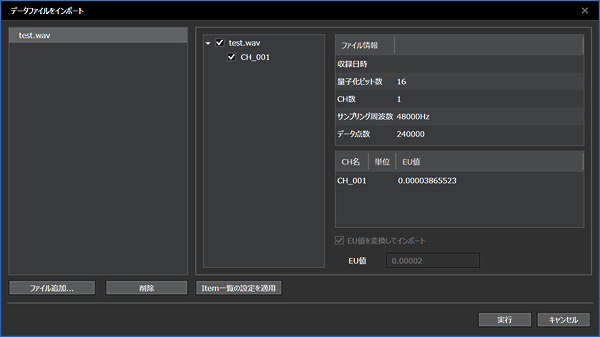
Example: Importing .wav files
When using the viewer function, the following message appears, and importing is not possible.
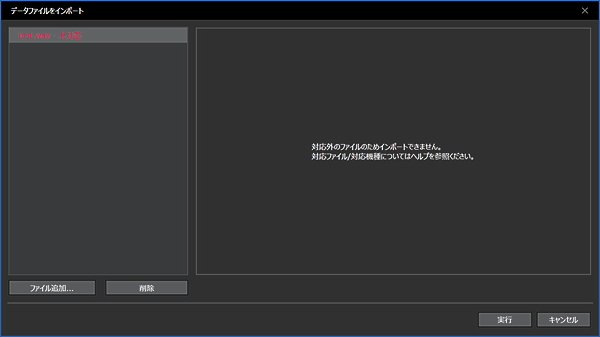
If you have an O-Solution Platform (OS-5100) license, you can import it.
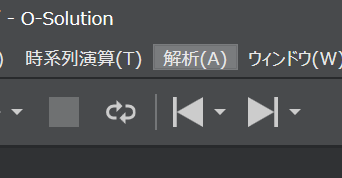
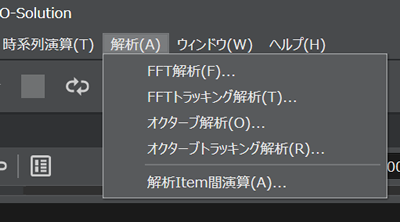
On the other hand, if you have licenses for FFT analysis, tracking analysis, and octave analysis, the menu will be displayed as follows:
Last updated: 2021-06-11